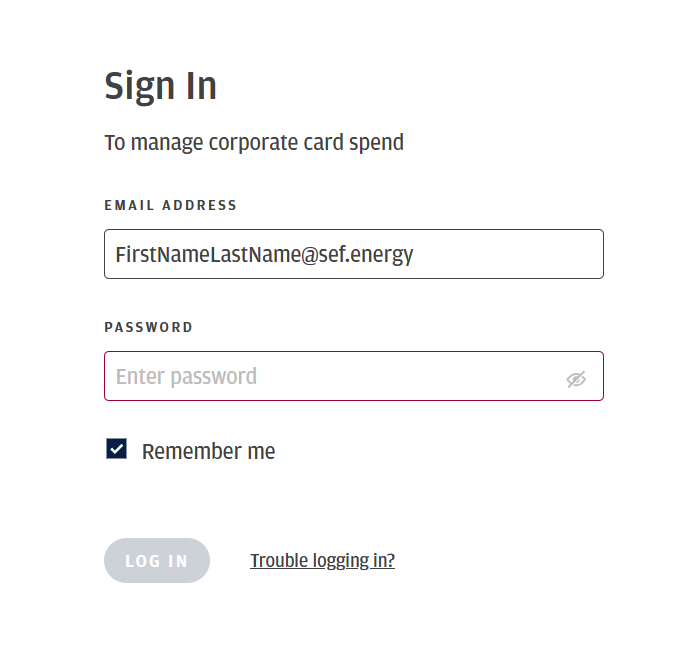
You will need to go to the Spend Center login page here - Spend Center Login
You will enter your company email and password and click login
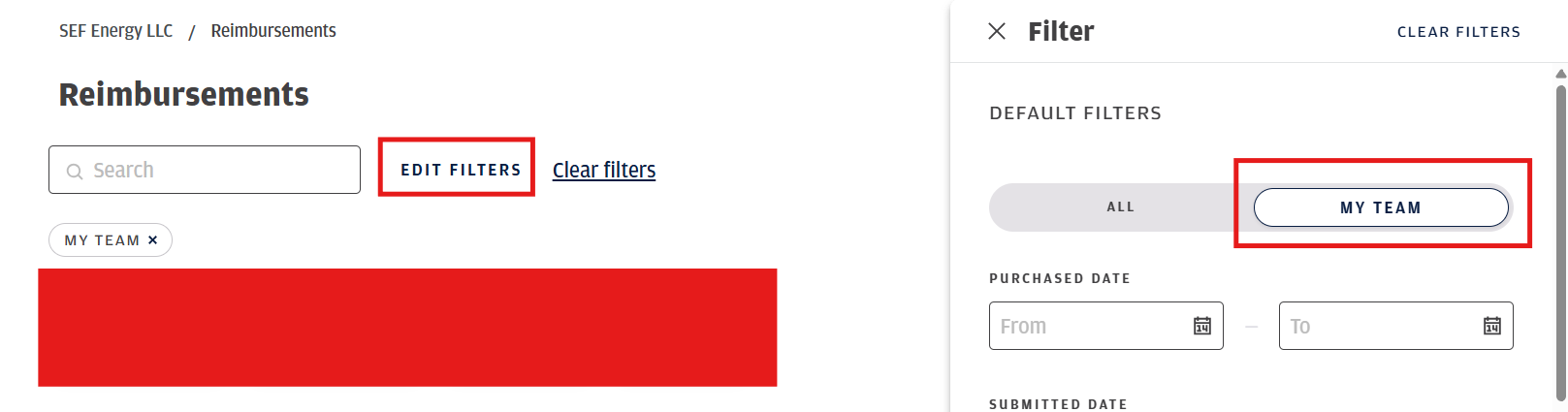
After you login, you will click the reimbursement tab and click edit filters and click My team - this should show everyone you are approving for
If you have multiple and are looking for a specific one you can search the employees name you are approving reimbursements for.
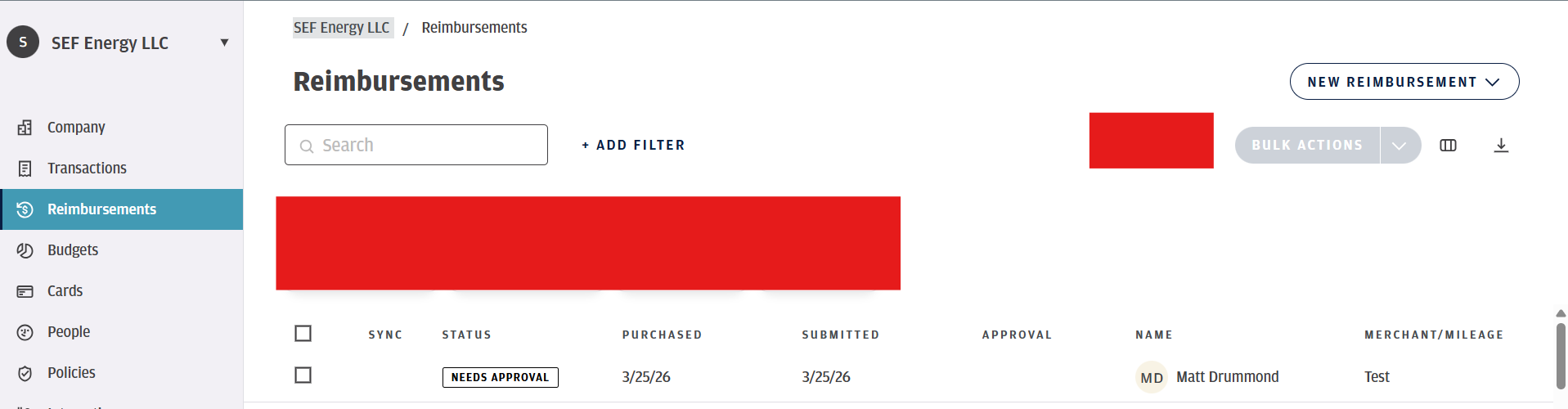
You need to make sure there is a receipt and all necessary documentation prior to approving
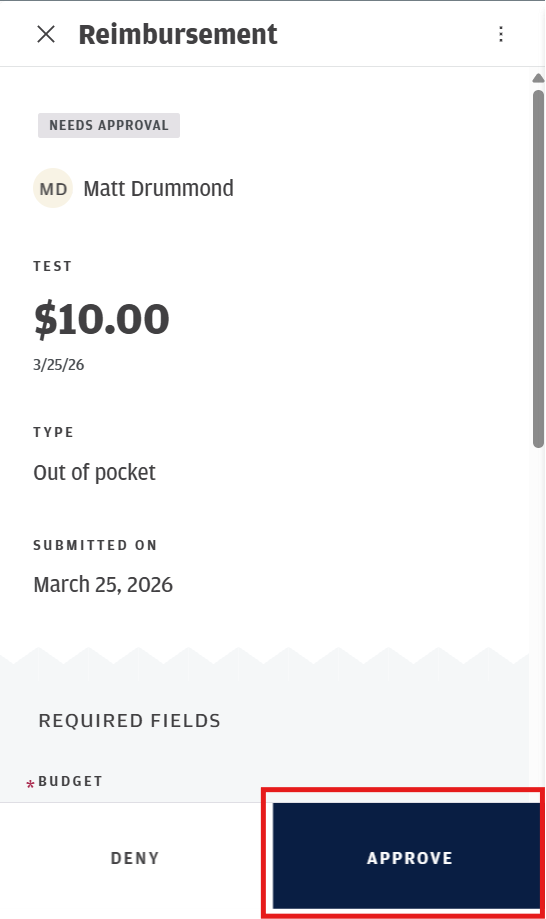
Click the Reimbursement you want to verify and approve - you will click approve in the bottom right of the window that comes up
Was this article helpful?
That’s Great!
Thank you for your feedback
Sorry! We couldn't be helpful
Thank you for your feedback
Feedback sent
We appreciate your effort and will try to fix the article