This is normally set when your account is created but if not you can do the below
- Click on the picture portrait in the top right
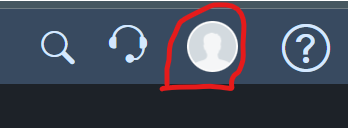
- Select "My Settings"
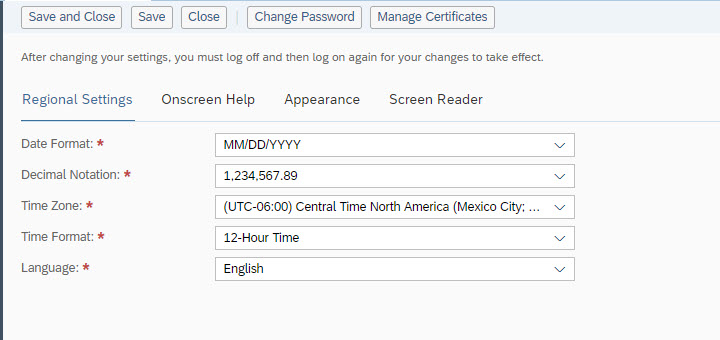
- Under "Regional Settings", select the drop-down box for "Decimal Notion"
- Change it to 1,234,567.89
- Save and Close
Was this article helpful?
That’s Great!
Thank you for your feedback
Sorry! We couldn't be helpful
Thank you for your feedback
Feedback sent
We appreciate your effort and will try to fix the article