SSO URL
1) You can also just go to https://my343960-sso.sapbydesign.com and it will ask for your Office Credentials and after sign in it will take you to the launch pad page.
My Apps/All Apps Login
1) Go to the My Apps(https://myapplications.microsoft.com/) or All Apps(https://m365.cloud.microsoft/apps) Page.
2) You will then click SAP Prod which is the same on either page
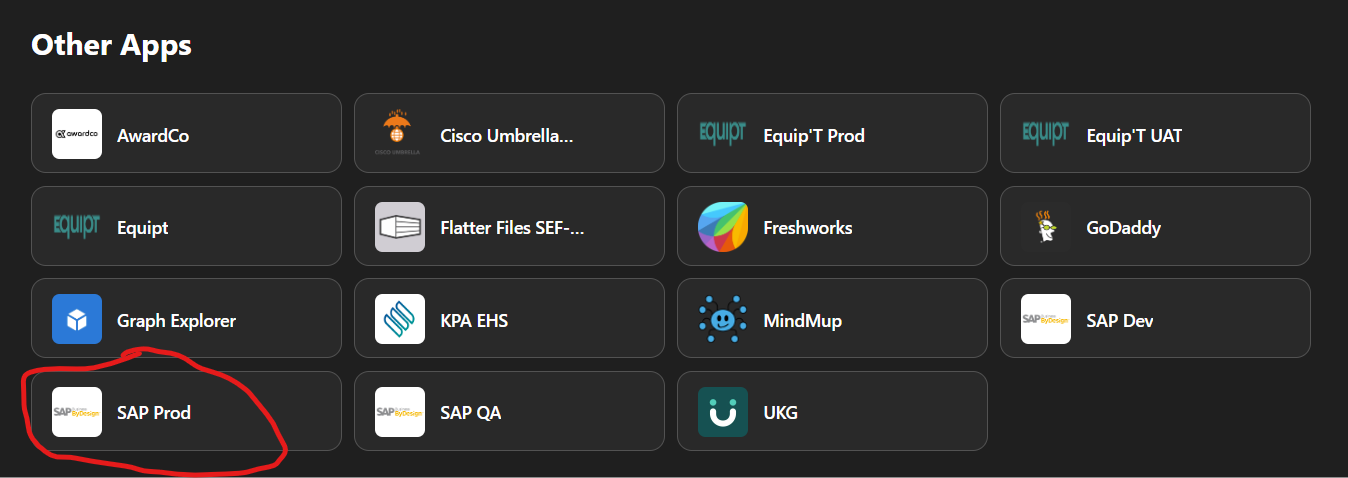
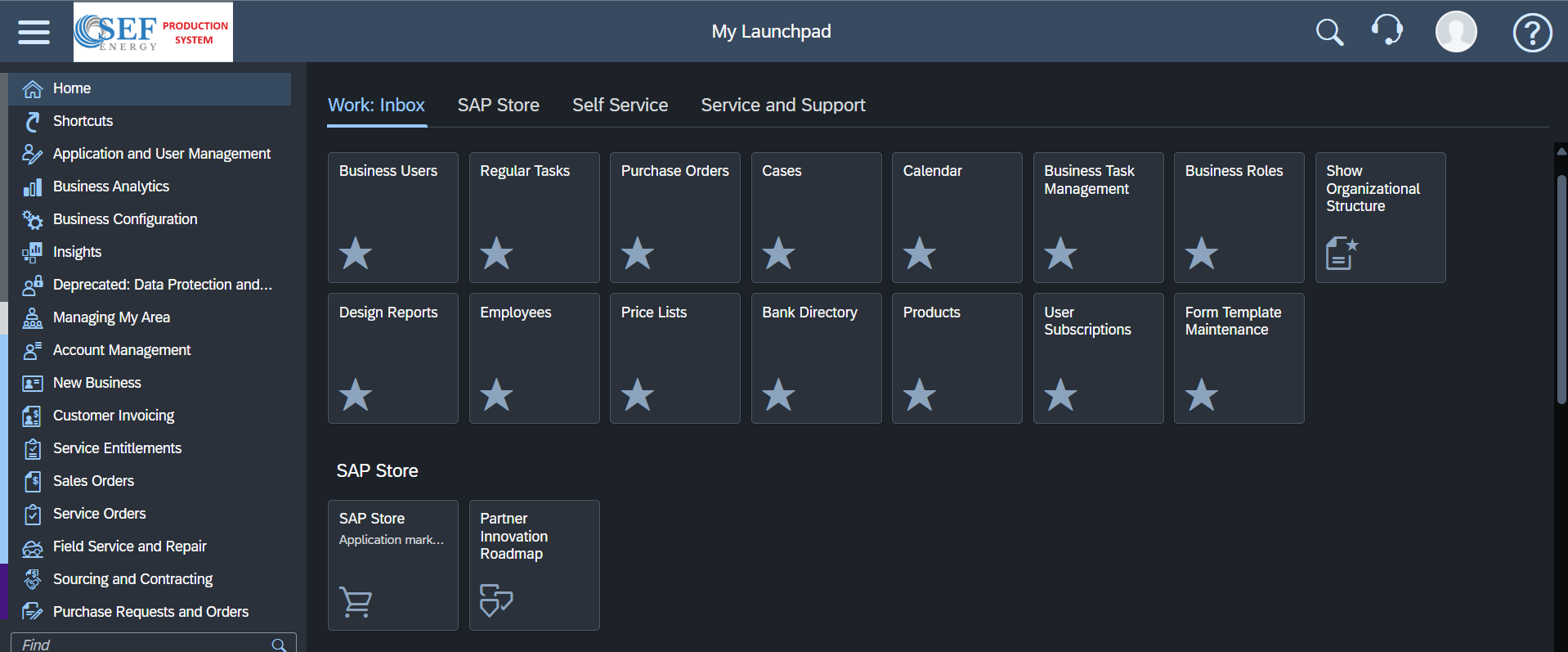
3) You will now be on the Launch Pad page
Was this article helpful?
That’s Great!
Thank you for your feedback
Sorry! We couldn't be helpful
Thank you for your feedback
Feedback sent
We appreciate your effort and will try to fix the article